After installation of the Octopus Authentication All-in-One system has completed, you may want to perform Octopus Authentication Server's Sanity Check before continuing to configure the system. The Sanity Check is not mandatory. Do it only if you suspect that something went wrong during setup, or if you want to be sure you performed all the required tests.
The Sanity Check includes the following tests:
Octopus Authentication installed version:
sudo cat /opt/sdo/.sdover

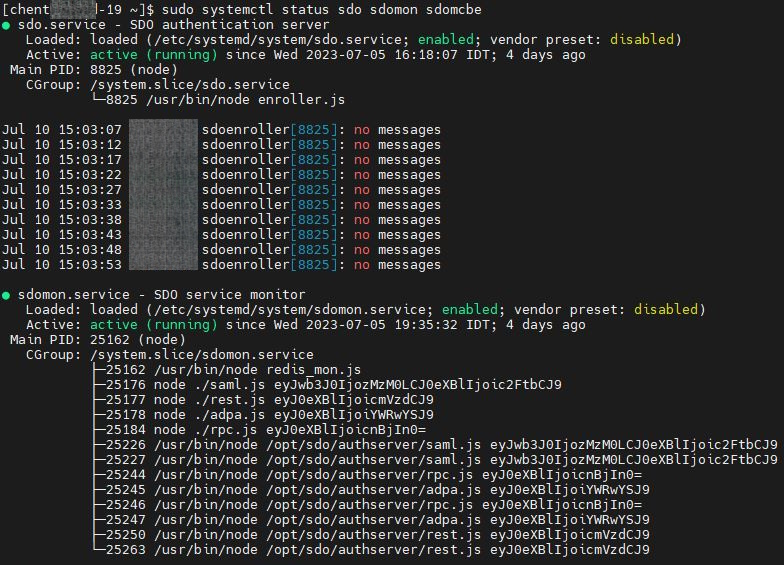
Octopus Authentication Server’s engines:
sudo systemctl status sdo sdomon sdomcbe
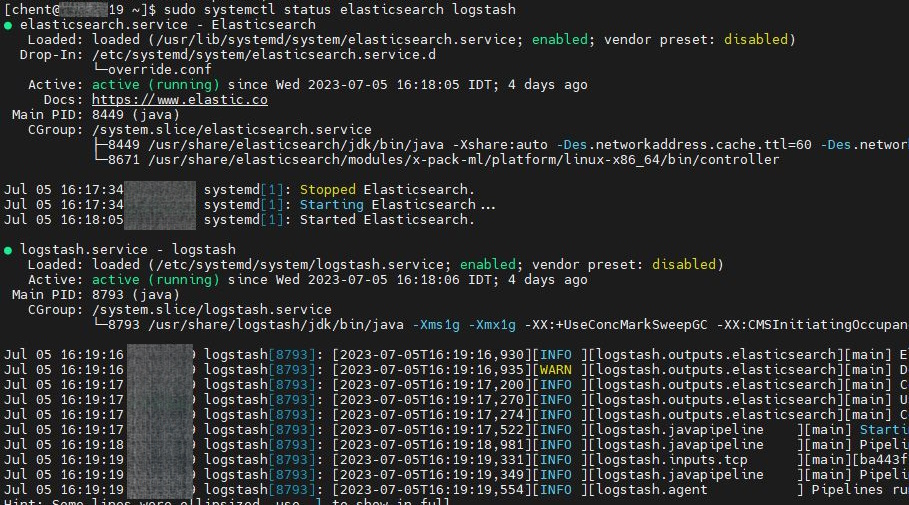
Octopus Authentication log engines:
sudo systemctl status elasticsearch logstash
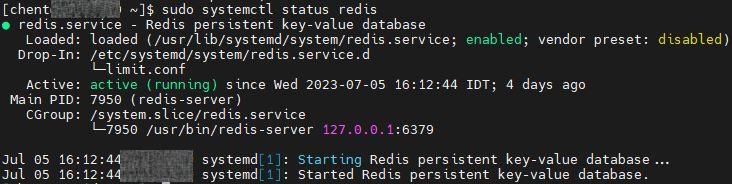
Octopus Authentication database:
sudo systemctl status redis
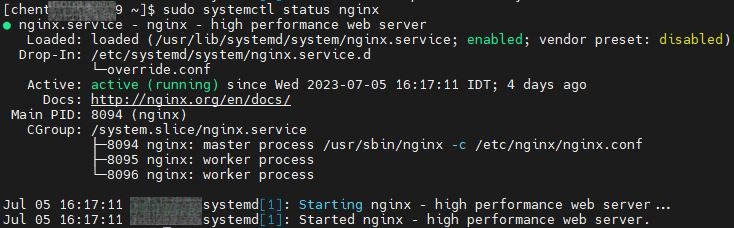
Octopus Authentication Web engine:
sudo systemctl status nginx