Overview
A hardware OTP token (FOB) generates a one-time passcode that can be used as an authentication method to securely access your corporate environment. Enrollment is required before you can use your OTP token to log in.
Prerequisites
- A hardware OTP token (FOB) issued by your organization
- A mobile device with the Octopus Authenticator app installed (available on the Apple App Store or Google Play Store)
- Enrollment link provided by your IT team
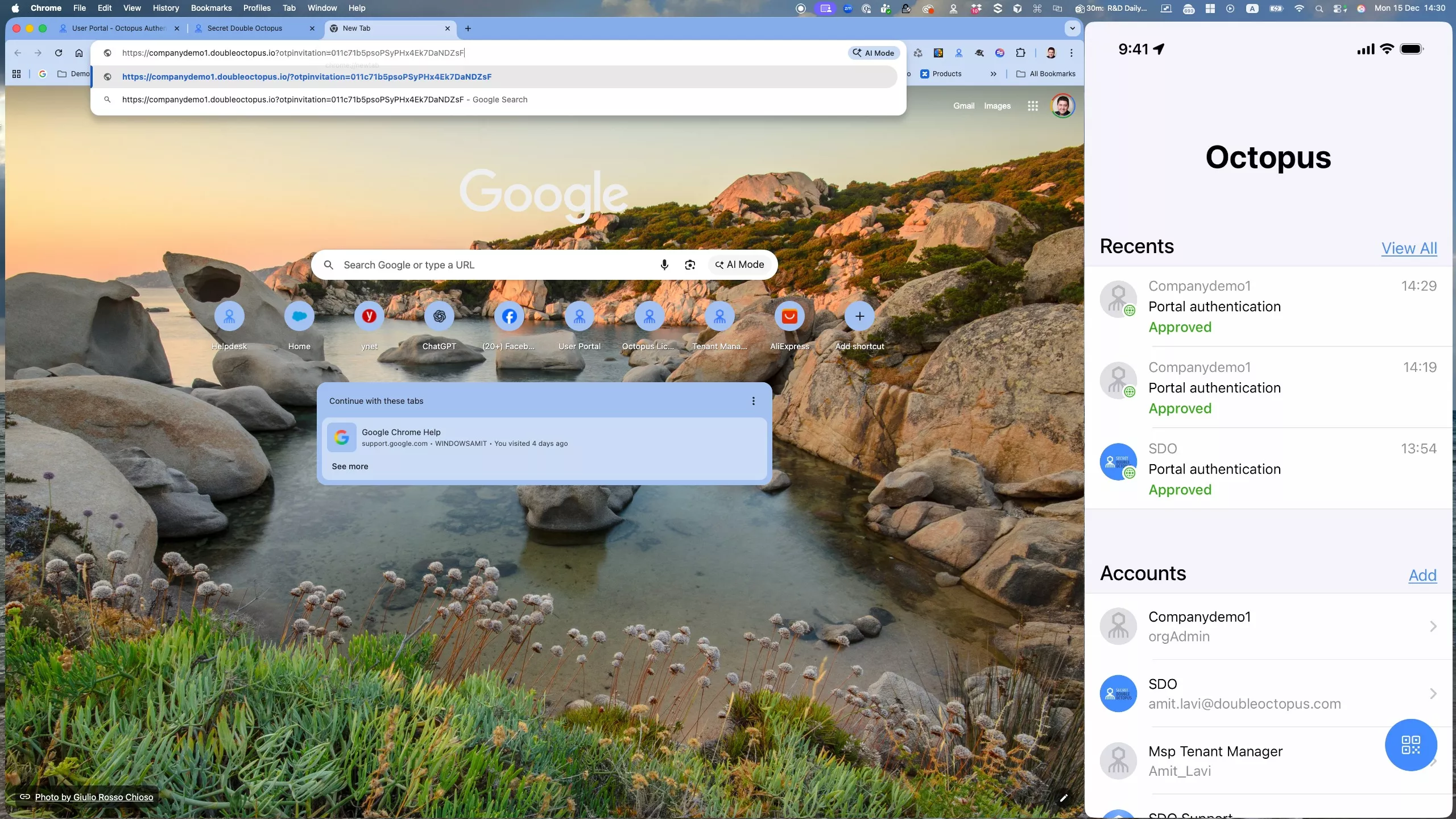
Step 1 – Open Your Enrollment Link
You will receive a link to enroll with OTP. Navigate to the link to begin.
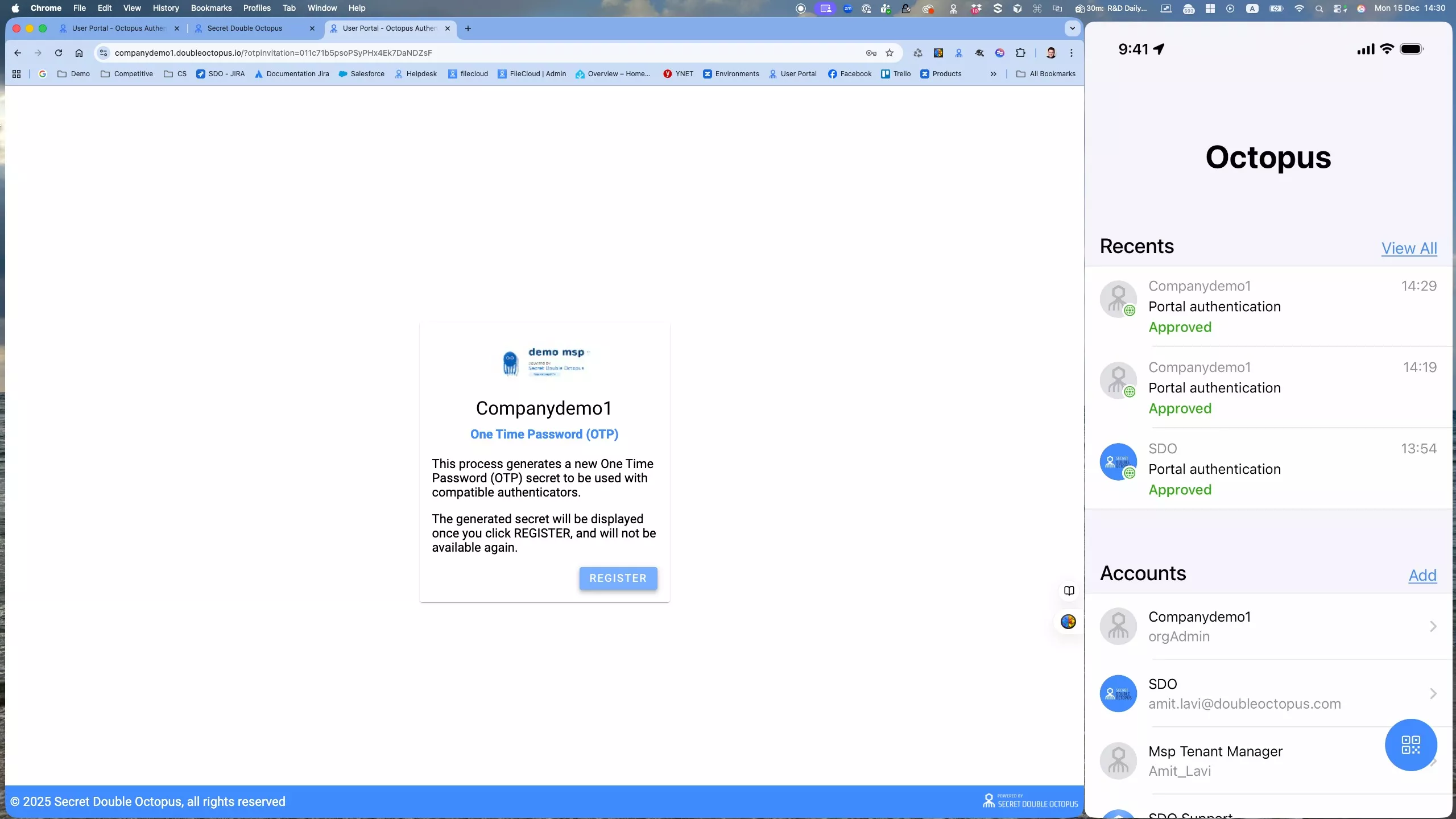
Step 2 – Click Register
On the enrollment page, click Register to continue.
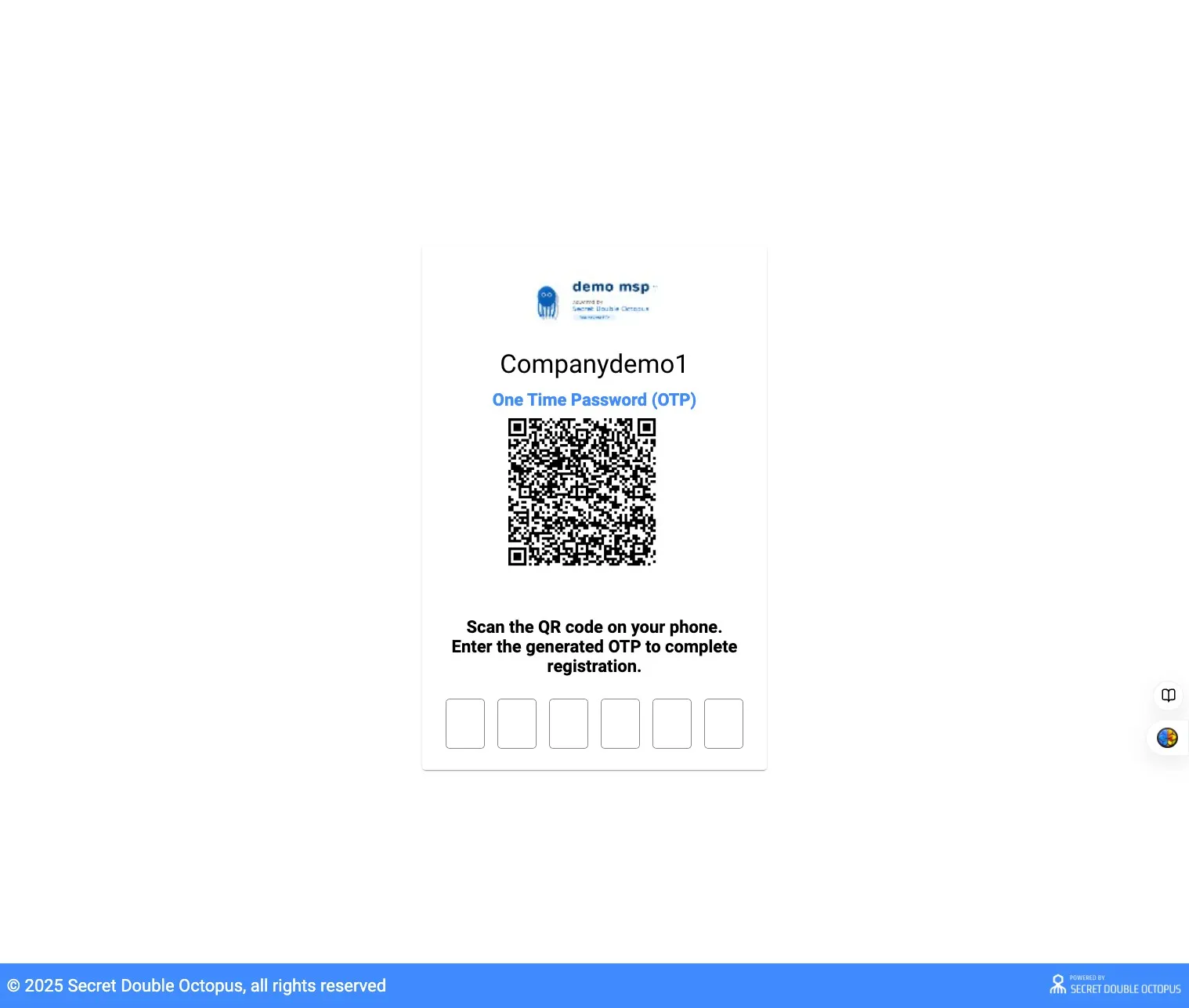
Step 3 – Scan the QR Code and Enter Your OTP
Open the Octopus Authenticator app on your phone (download it from the Apple App Store or Google Play Store if you haven't already). Scan the QR code shown on screen, then enter the OTP generated by your app to complete registration.
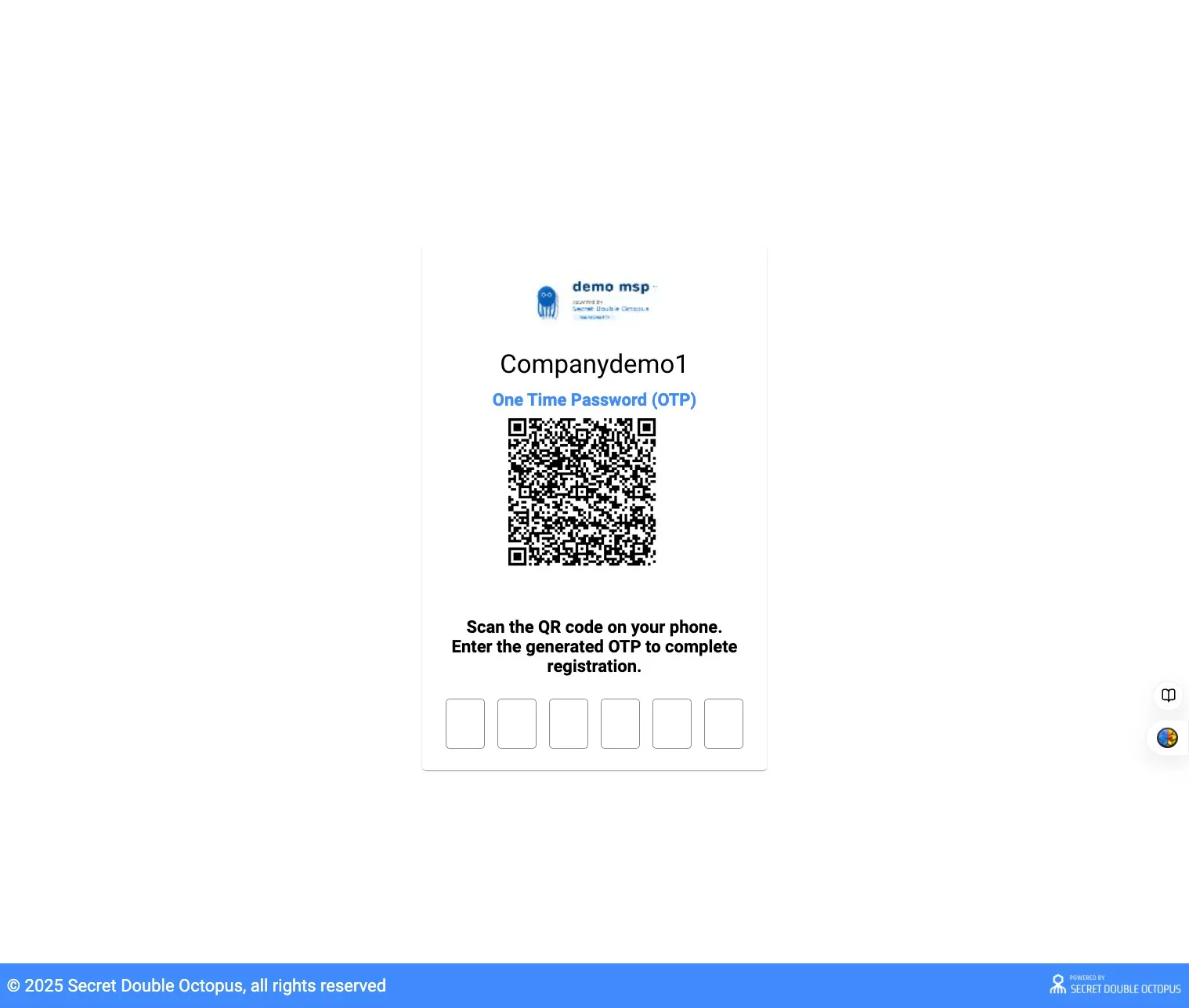
Step 4 – Confirm Registration
You'll receive confirmation that you've successfully registered with OTP.
Enrollment Complete
You have successfully enrolled your hardware OTP token (FOB). You can now use it as an authentication method.